
Latest Firmware
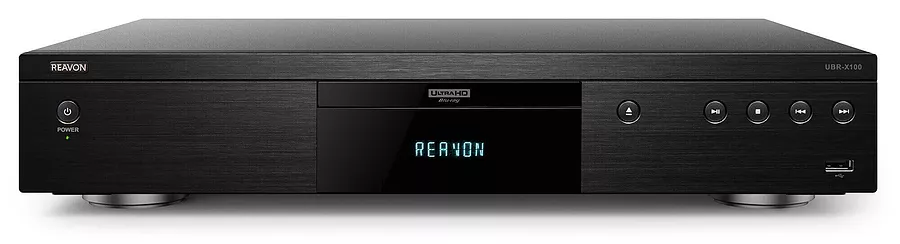
USB Update Guide
1. Download Firmware: download the latest firmware for your specific model (e.g., UBR-X110, UBR-X200).
2. Prepare USB Drive: Format a USB flash drive to EXFAT (especially for Mac users) and copy the entire UPG_ALL folder (containing the .bin file) directly to its root directory, not inside any other folders.
3. Insert USB: Plug the USB drive into the USB port on your Reavon player.
4. Navigate Menu: Turn on the player and use the remote to go to Setup > Options > Update > USB Storage.
5. Start Update: Select the update file and begin the process. Do not power off the player during the update.
6. Reload Defaults: After the update finishes, it's recommended to reload default settings via Setup > Options > Load Default.

REAVON players are designed and engineered by Groupe Archisoft.
ICLAND CORP. is the distributor for Canada.
ICLAND CORP.
2869 Bloor St. W., Suite 252
Toronto, ON, M8X 1B3
Toronto, ON, M8X 1B3